
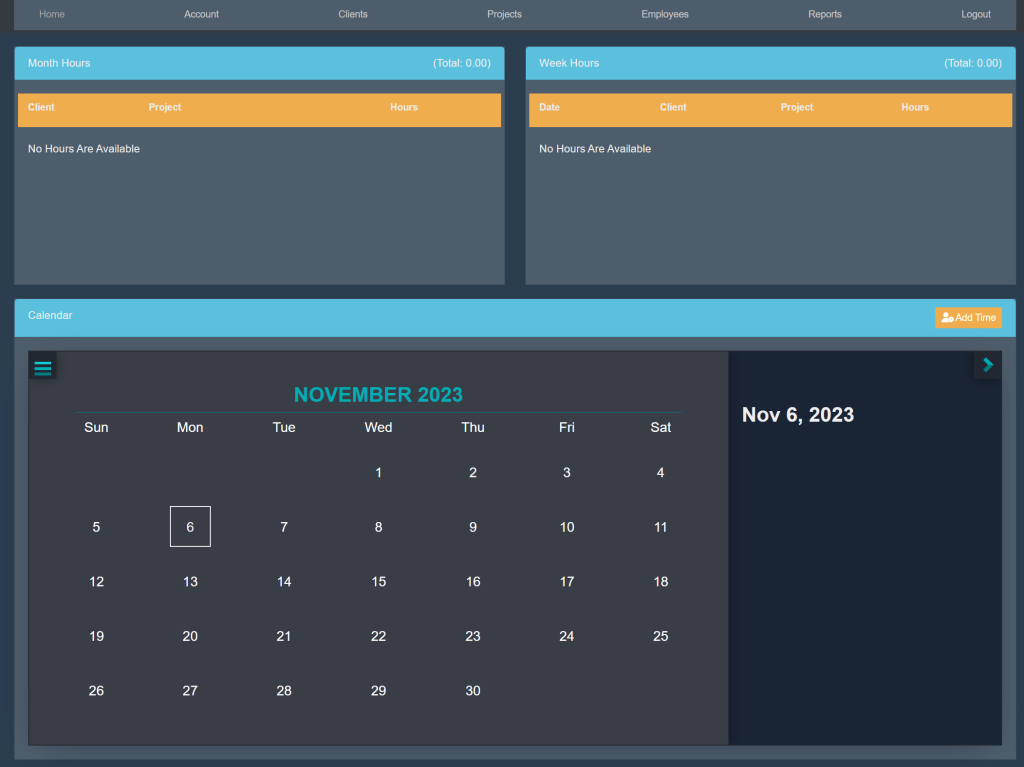
Sign into your account. This will take you here:
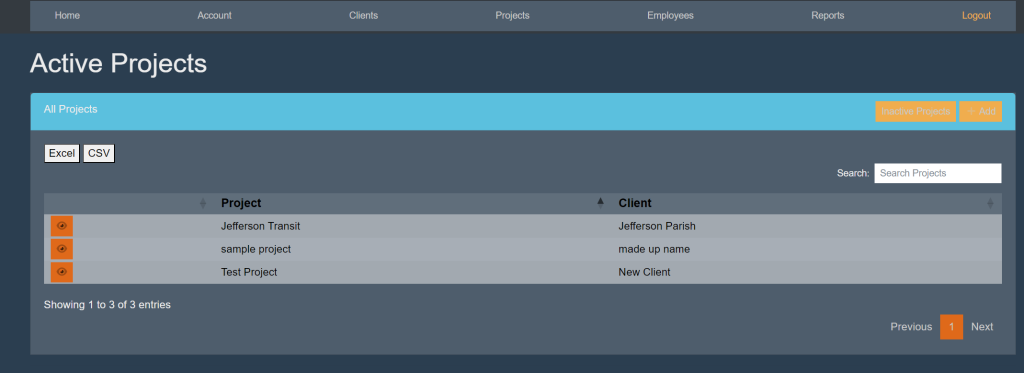
At the top of the page, select Projects. This will take you here:
Select the client in which you wish to edit the information. This will take you here:
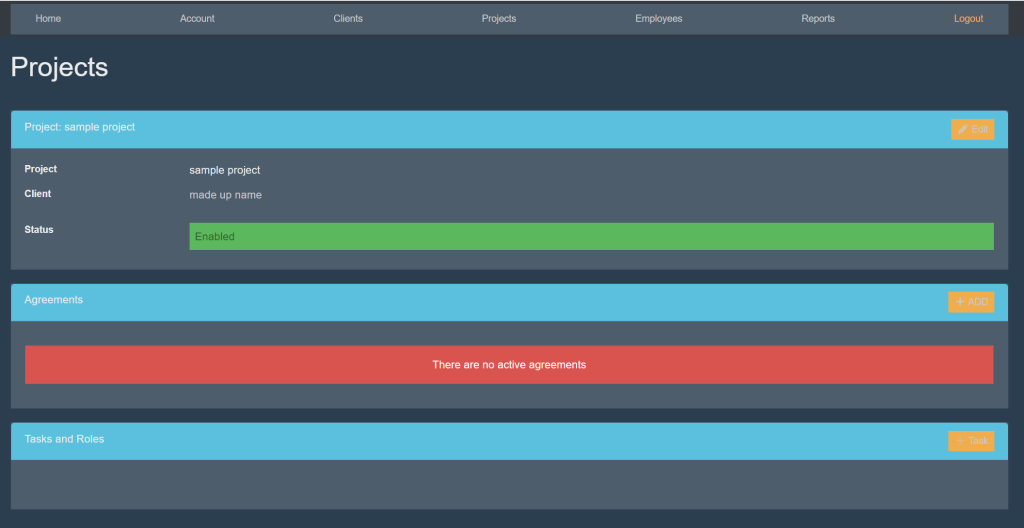
Within the Project: [Name] box, select the orange button titled Edit in the top right hand of the box. This will take you here:
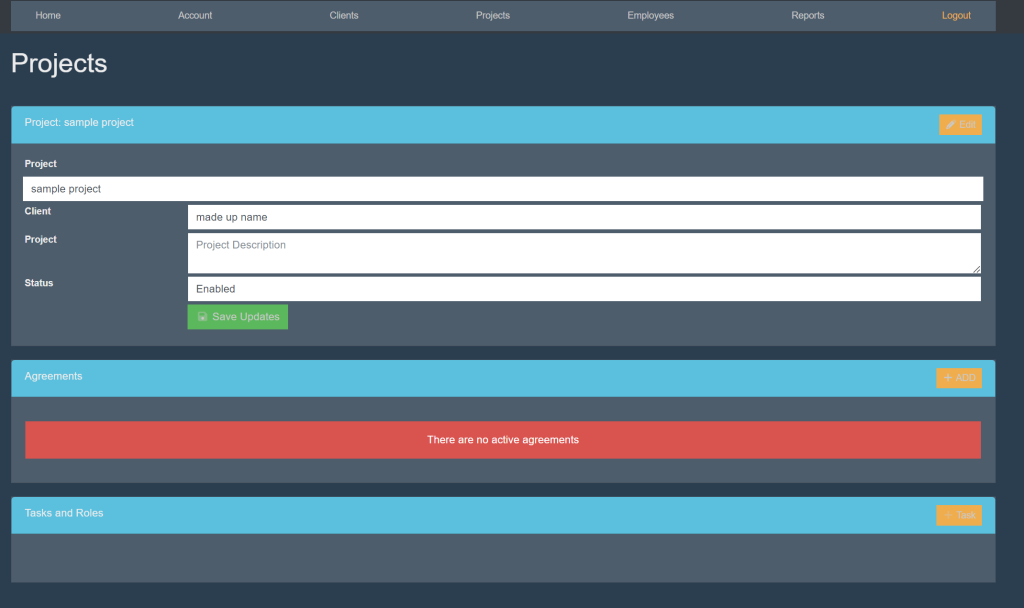
Edit the information in the respective boxes.
Once finished, select the green button titled ‘Save Updates’.